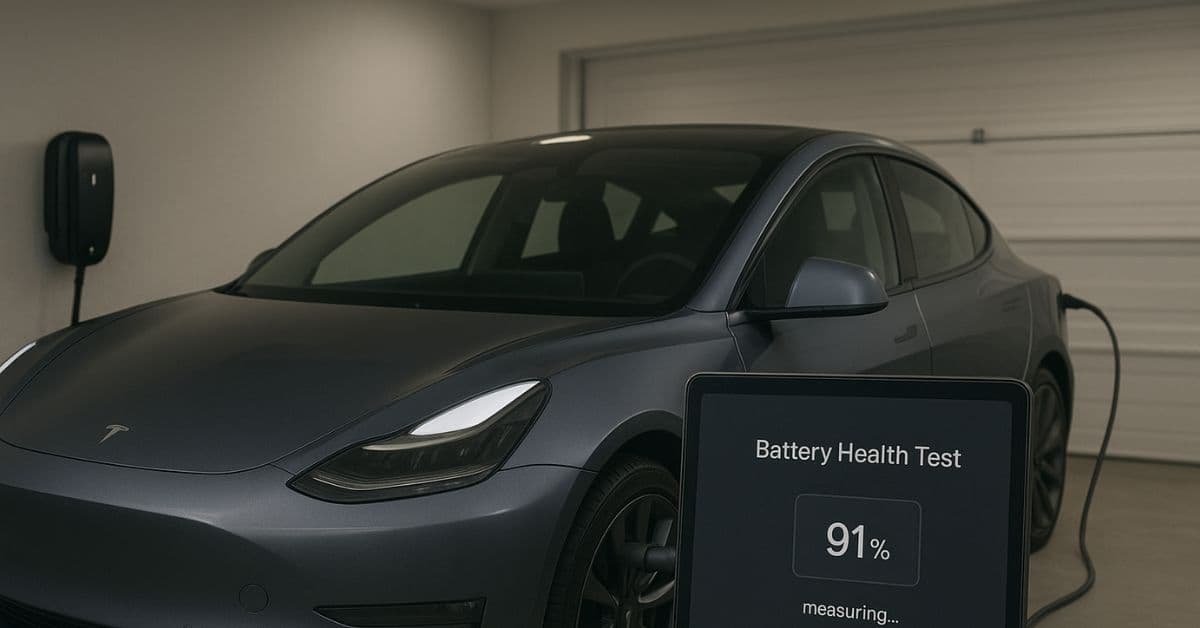
The most common question, whether you’re a new or an experienced owner, is how to check Tesla battery health. The good news is that Tesla batteries are powerful. They often retain much of their power even after driving hundreds of thousands of miles.
However, the battery naturally loses power over time. People call this degradation. Knowing how to check your battery’s State of Health (SoH) is key to feeling calm and making your car last longer.
Read more about how Tesla batteries lose power over time in this guide: Tesla Battery Degradation: Complete Guide to Longevity.
I will show you three main ways you can check and find problems with your Tesla’s battery health:
- The Simple Way: Use the car’s screen and the Tesla App.
- The Advanced Way: Run the official Battery Health Test in Service Mode.
- The Smart Way: Use outside monitoring apps like Tessie.
Monitoring Tesla Battery Health Day-to-Day
You do not need a special tool to get a basic idea of your Tesla’s battery health. You can use the information the car already gives you.
Track Your Full Charge Range
- The easiest way to see power loss is to watch your estimated driving distance when the car is charged to 100%.
- What to Look For: The 100% range matched the official EPA range when your car was new. The number will slowly decrease as the battery ages.
- The Math: Your car first showed 310 miles at 100%. It now shows 295 miles. You have lost 15 miles of range. That is about 5% power loss (15/310).
- Keep a Log: I suggest keeping a simple list of your 100% range every few months. This helps you see the pattern, not just one day’s number. Temperature can change one day’s number.
Use the Tesla App’s “Battery Health” Check
- Tesla has added a simple health check to the phone app for some cars.
- How to Find It: Go to the Service section of your Tesla App. Look for an option like “Get Help” or “Interactive Checks,” then select “Battery.”
- What It Tells You: The check is a quick scan. It will tell you if your battery health is “Good” or “Poor” next to the “Life” section. It is not an exact percentage, but it is a quick way to check for sudden, major problems.
Watch for Charging Speed Changes
- You may notice that your car charges more slowly than before if your battery is unhealthy. This is true especially at Superchargers.
- Slower Speeds: A healthy battery can take a high charge rate (measured in kW) for a longer time. Your peak charging speed may drop a lot. It may also drop off very quickly. These are signs of power loss.
- Temperature Matters: Remember that cold weather also slows down charging. Always check your charging speed when the battery is warm for the most correct diagnosis.
Learn more about real Tesla charging speeds and what affects them here: How Fast Can You Charge a Tesla Battery? (Home vs. Supercharger).
Advanced Way: Running the Official Battery Health Test
You can run the car’s built-in test for the most correct, official diagnosis of your battery’s health. Tesla service centers often use this test.
Step-by-Step Guide to the Battery Health Test
The test is now available right in the car’s computer program. This makes it much easier than the old “Service Mode” way.
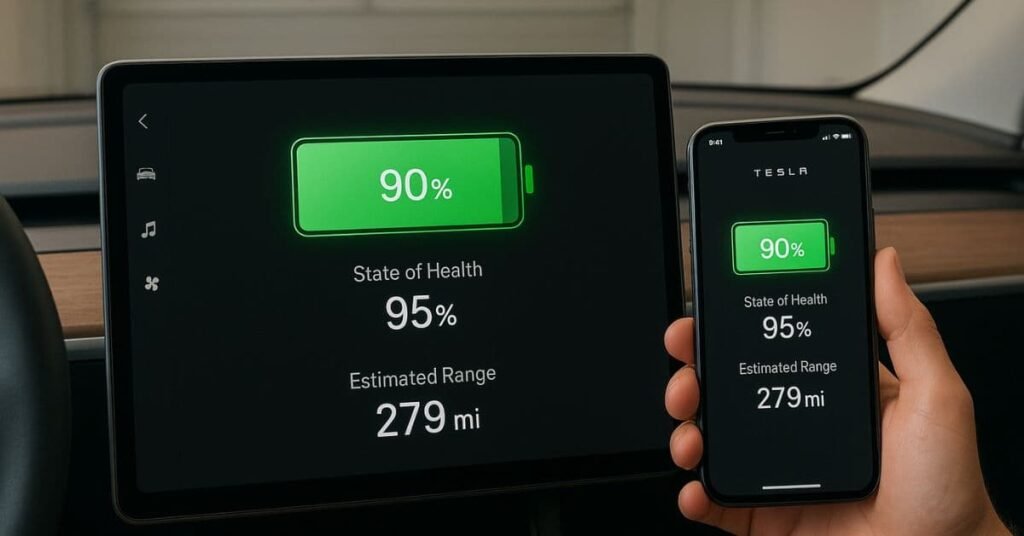
- Plug In Your Car: You must plug your Tesla into an AC charger (Level 1 or Level 2).
- Navigate to Controls: Touch Controls on your car’s touchscreen.
- Go to Service: Touch Service.
- Start the Test: Touch Battery Health Test. Read the pop-up message, then touch Start Test.
Note: The test will take about 24 hours to finish. It works by doing a deep check on the battery management system (BMS) data.
What the Test Results Mean
The car will display your battery’s State of Health (SoH) as a percentage after the test.
| Result | Meaning | Action to Take |
|---|---|---|
| 90% or Higher | Excellent battery health. Your battery is doing better than average. | None. Keep good charging habits. |
| 80% – 90% | Normal for a Tesla that is a few years old. Expected and common power loss. | None. Just keep checking the car. |
| Below 80% | Battery is close to the warranty limit. Check if you are still under Tesla’s 8-year warranty. | Contact Tesla Service for a warranty claim. |
The Smart Way: Using Third-Party Apps (Tessie)
Tesla does not give a simple, constant SoH percentage on the main screen. Because of this, many owners use outside apps to check their battery health. Tessie is one of the most popular and dependable choices.
How Tessie Works
Tessie connects to your car’s data through the official Tesla computer system. It records every charge session. It uses that data to calculate your battery’s power over time.
Daily Monitoring: Tessie gives you a clear, easy-to-read graph of your battery’s power loss. This is much more helpful than trying to track the range number yourself.
Health Percentage: The app provides a battery health percentage (SoH) based on its math. It might show 92.2% health, for example.
For tools that help track and maintain battery condition, read: Best Tools to Check and Maintain Your Tesla Battery’s Health.
A Word of Caution on Third-Party Apps
Apps like Tessie are great for checking patterns, but they are estimates, not official diagnoses.
“Tessie app shows 92.2% battery health, and service mode battery test shows 91%. Tessie seems to overestimate a bit, which is what most people agree on.”
The official Tesla Battery Health Test is the only number that matters for a warranty claim. Use Tessie for daily peace of mind and to track your charging habits. Rely on the official test for a final diagnosis.
Case study: A study tracking battery power found that the average Tesla Model 3/Model Y Long Range keeps a very high percentage of its first power even after driving many miles:
1. After 50,000 miles: Power kept is usually around 95%.
2. After 100,000 miles: Power kept is usually around 92%.
3. After 200,000 miles: Power kept is still around 88%.
This data proves that the first fear of fast battery death is wrong. The power loss curve is steepest in the first year. It then flattens out. Your battery will likely last much longer than the time you own the car.
FAQs
What is the normal rate of Tesla battery degradation?
The normal rate is about 5% in the first year. It then slows to about 1-2% per year after that. Most Teslas retain over 90% of their power after 100,000 miles.
Does Supercharging hurt my battery health?
Supercharging does cause more stress and heat than slower AC charging. This can lead to slightly faster power loss over a long time. However, the effect is negligible. You should not worry about using Superchargers when you need them. You should use them sparingly for daily charging.
What is the 8-year/100,000-mile warranty?
Tesla’s battery warranty guarantees that your battery will retain at least 70% of its original capacity for 8 years or 100,000 to 120,000 miles (depending on the car model). Tesla will replace or fix the battery for free if your battery drops below 70% within that time.
How can I force my Tesla to recalibrate the battery range?
The best way to force a recalibration is to drive the car down to a very low State of Charge (around 10-20%) and then charge it to 100%. Do this only once a month or so. It is not a good daily habit, but it helps the car’s computer get a more correct reading.
Is the “Service Mode” test the most accurate way to check health?
Yes. The built-in Battery Health Test, available from the Service menu, is the most accurate and official way to determine your battery’s State of Health. It is the number that Tesla Service will use for any warranty claims.
Conclusion
Checking your Tesla’s battery health is easier than most people think. You can use the car’s screen, the Tesla app, the built-in Battery Health Test, or a simple app like Tessie. Each tool helps you understand how your battery is doing and if anything needs attention.
The good news is that Tesla batteries are powerful. Most cars keep more than 90% of their power even after many years and thousands of miles. With the proper habits—like charging to the correct limit, avoiding extreme heat or cold, and not using Superchargers every day—you can further slow down power loss.
If you ever see something unusual, you can run the official Battery Health Test for the most accurate result. And remember, Tesla’s 8-year battery warranty protects you if the power drops below 70%.
By checking your battery regularly and following simple care tips, you can keep your Tesla running smoothly for a long time. Your battery is the heart of your car—take care of it, and it will take care of you.
To keep your battery lasting even longer, explore this guide: Best Practices to Extend Your Tesla Battery Life.