
How Fast Can You Charge a Tesla Battery?

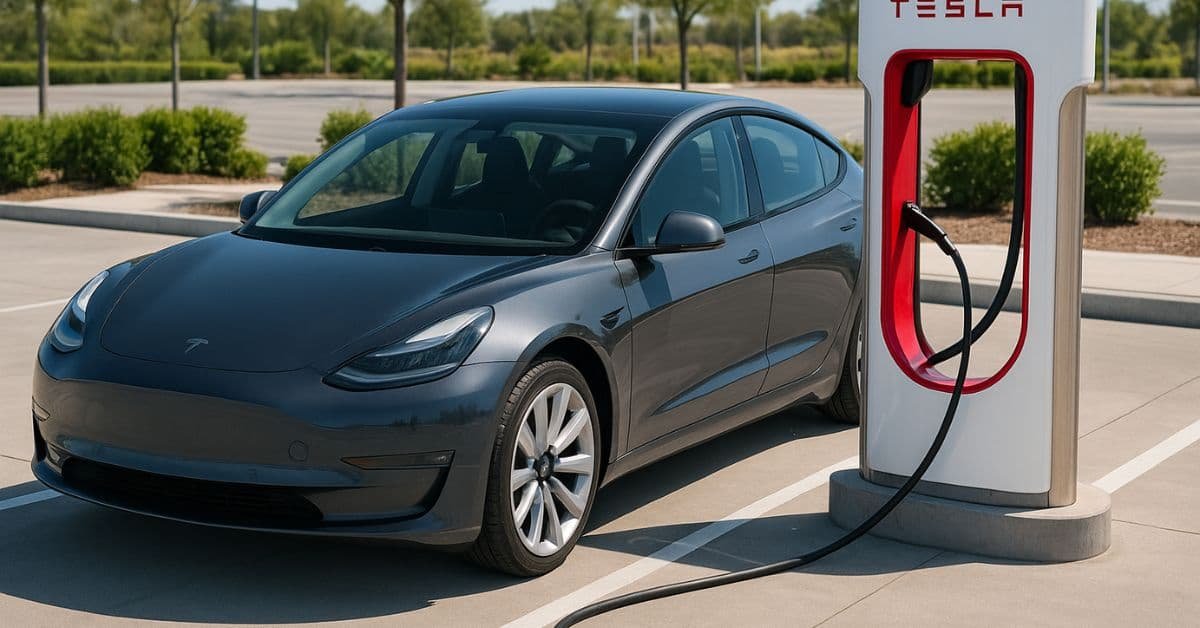
The fastest you can charge a Tesla battery is at a Supercharger. There, you can add up to 200 miles of driving distance in about 15 minutes. Speed is only temporary and depends on many factors. The true answer to “How fast can I charge?” depends on where you are charging and what your battery needs. You will mostly charge at home. Home charging is much slower but is better for the battery.
The information here explains the different charging speeds and gives you easy tips to get the fastest, safest charge every time.
Learn how to easily check and maintain your Tesla battery health for optimal charging.
Three Levels of Tesla Charging Speed
You need to know the three main charging types to determine how fast you can charge. Each one uses a different power level. Power level significantly changes the speed.
Level 1 — Standard Wall Outlet (120V): Adds 2 to 4 miles per hour. Too slow for most owners as a primary charging method. Best kept as a backup option only.
Level 2 — Home Wall Connector (240V): Adds 25 to 45 miles per hour, depending on your model. The right choice for overnight home charging. Most owners charge from 20% to 80% while they sleep. For a full cost and setup comparison between home charging and Supercharging, see our home charging vs Supercharging guide.
Level 3 — Tesla Supercharger (DC Fast): This is what this page is about. Keep reading for full Supercharger speed data.
Read our complete guide on EV Charging Levels: Level 1 vs Level 2 vs Level 3
Tesla Supercharger Charging Curve Explained
If you have used a Supercharger, you know the speed isn’t the same all the time. Speed change happens because of the charging curve.
The Tapering Effect
The charging curve shows that the car charges fastest when the battery is nearly empty. Speed slows down significantly as it fills up.
- 0% to 50%: Range is the “sweet spot.” The car charges at its fastest speed.
- 50% to 80%: The speed starts to slow down, or “taper,” to protect the battery cells.
- 80% to 100%: The speed slows significantly. Charging the last 20% can take as long as charging the first 80%.
Check out why Tesla batteries lose speed and capacity over time in: Tesla Battery Degradation: Complete Guide to Longevity.
Tapering is not a problem. It is a smart part of the car’s Battery Management System (BMS). The system protects the battery from damage and extends its lifespan.
Charging Range | Typical Time at Supercharger | Reason for Speed |
|---|---|---|
10% – 50% | ~10 minutes | Maximum speed; battery can handle full power. |
50% – 80% | ~15 minutes | Speed tapers to protect battery cells. |
80% – 100% | ~25+ minutes | Very slow to prevent stress and heat damage. |
“The key to fast Supercharging is only to charge what you need. If you are on a road trip, it is much faster to charge from 10% to 60% at two different stations than to charge from 10% to 100% at one station.“
Case Study
Imagine you are on a 500-mile road trip. You need to add 300 miles of driving distance.
Slow Way: Stop once and charge from 10% to 100%. The charge might take 50 minutes or more because the speed slows after 80%.
Fast Way: Stop twice. First stop: charge from 10% to 60% (about 15 minutes). Second stop: charge from 10% to 60% (another 15 minutes). Total charging time is about 30 minutes. The plan saves you 20 minutes of waiting time.
Tesla’s navigation system is brilliant. The system plans your stops to keep your battery in the fastest charging range.
Learn about charging time differences when using solar power in this guide: How Long Does It Take to Charge a Tesla Using Solar Power?.
Factors That Slow Down Your Charging Speed
The speed numbers above are the best possible. In the real world, many factors can slow your Tesla’s charging speed.
1. Battery Temperature
Temperature is the biggest factor. The battery needs to be warm, but not too hot, to charge quickly.
- Too Cold: If the battery is cold, like in winter, the car will use power to heat the battery before powering the engine. Less power is required for charging, and the process is slower.
- Too Hot: If the battery is too hot, like after a long, fast drive, the car will slow charging to cool the battery. Slowing down again makes the process slower.
2. State of Charge (SOC)
As you saw with the charging curve, the higher the battery’s current charge, the slower the charging speed will be. Always try to get to a Supercharger with a low state of charge (under 20%) for the fastest experience.
3. Charger Sharing
At some older Supercharger stations, two stalls might share the same power cabinet. If the stall next to you is also charging, the power might be split between the two cars. The car’s screen will tell you if you are sharing power. To get the fastest speed, pick a stall that does not have a car parked next to it.
Actionable Tips for the Fastest Charge
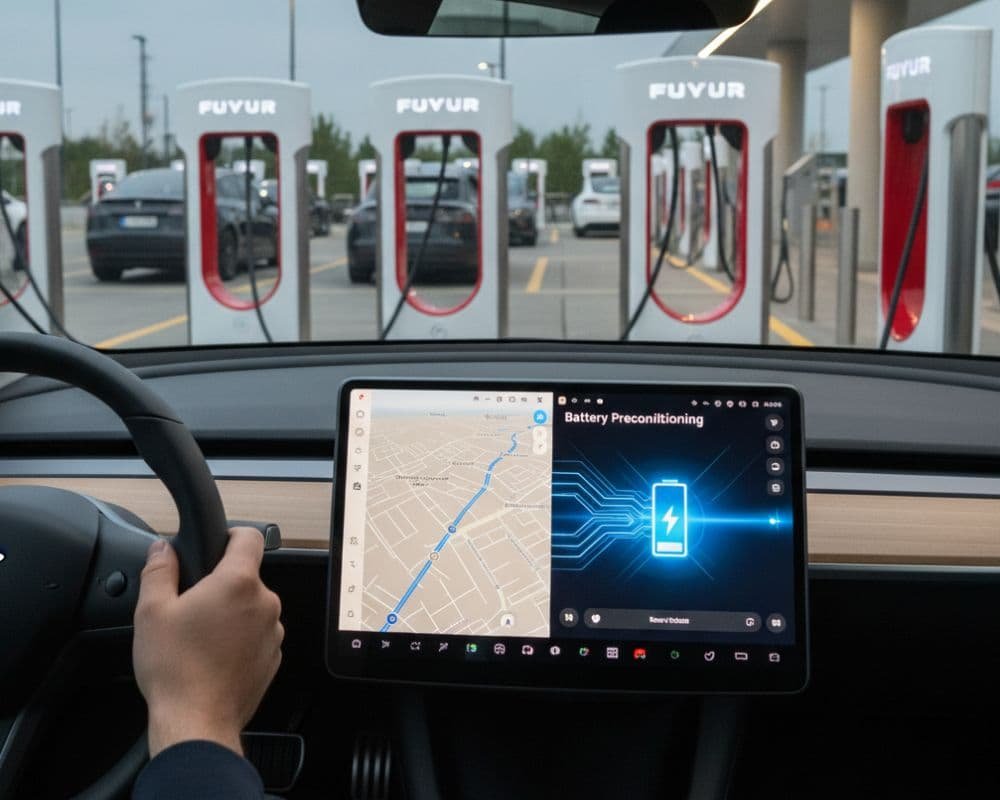
You can control your charging speed by following these simple, helpful tips.
Tip 1: Always Use Navigation for Supercharging
Always put the Supercharger location into your Tesla’s navigation system when you go to one.
When you do this, the car knows you are coming. It will start to precondition the battery—warming it up or cooling it down. The battery will be at the perfect temperature to take the most power right away when you plug in.
Tip 2: Use Home Charging for Daily Miles
For daily use, the fastest and best way to charge is to plug in every night.
Reserve Supercharging for road trips. For daily driving, overnight Level 2 home charging is easier on the battery and costs less per mile.
Read more: How to Charge an Electric Car: Complete Guide.
Tip 3: Know Your Car’s Maximum Rate
Different Tesla models have different maximum charging rates. Knowing your car’s limit can help you choose the right charger.
Tesla Model | Max Supercharging Rate (kW) | Max Home Charging Rate (kW) |
|---|---|---|
Model 3/Y (Long Range) | Up to 250 kW | Up to 11.5 kW |
Model S/X (Plaid) | Up to 250 kW | Up to 16.5 kW |
Model 3/Y (Standard Range) | Up to 170 kW | Up to 7.7 kW |
Note: Rates are the highest possible. They happen only under perfect conditions and a low State of Charge.
Tip 4: Keep Your Software Updated
Tesla is continually improving its charging rules through over-the-air (OTA) software updates. These updates can make charging faster and work more reliably. Always install the latest software when it is ready.
Conclusion
The fastest you will ever charge a Tesla is at a V3 Supercharger with a cold battery and a low state of charge — up to 250 kW, adding over 200 miles in around 15 minutes under ideal conditions. In practice, most road trip stops land between 150 and 200 kW, depending on your model, battery temperature, and how many stalls are in use around you.
The single biggest thing you can do to charge faster is use Tesla navigation before you arrive. Preconditioning alone can cut 10 to 15 minutes off a Supercharger stop in cold weather.
For daily driving, forget Supercharging entirely. Plug in at home every night on Level 2, set your limit to 80%, and your Tesla will be ready every morning without ever stressing the battery. Save the Supercharger for the open road.
For actionable tips to extend your Tesla battery life and get the most from charging, see: Best Practices to Extend Your Tesla Battery Life.
