
Tesla Battery Problems: Symptoms, Causes and Fixes

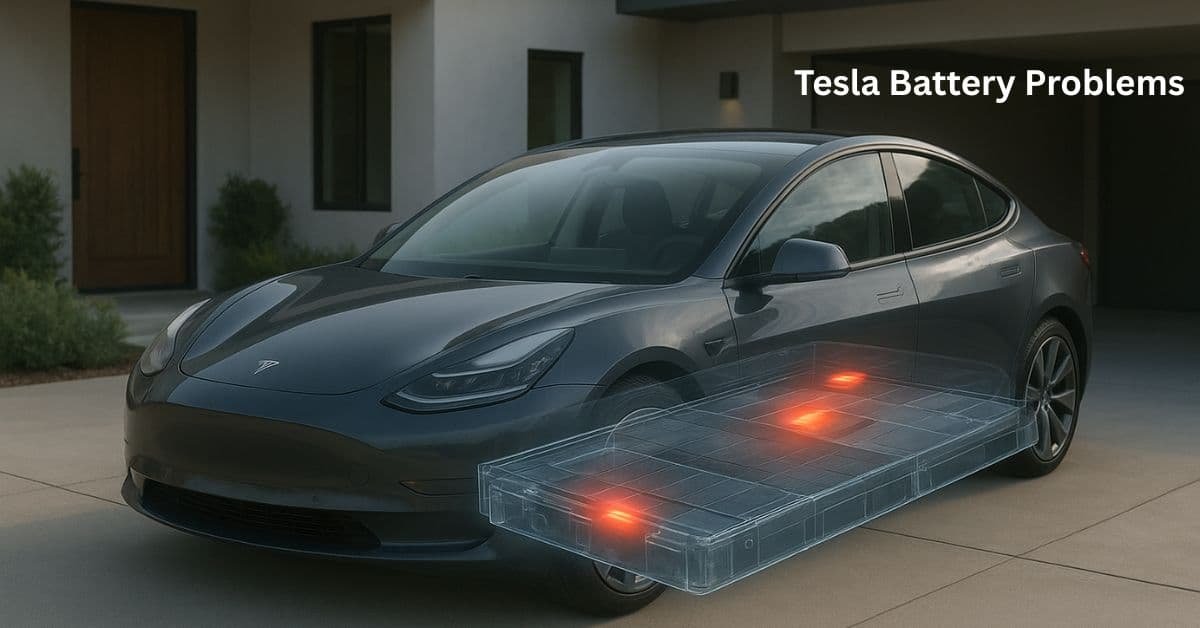
This guide covers the five most reported Tesla battery problems — with the exact cause of each one and the specific steps to fix it right now. If your Tesla is losing range faster than expected, draining overnight, refusing to charge at full speed, showing a warning on the dashboard, or struggling in extreme temperatures, the answer is here.
Each problem below has a distinct symptom, a root cause, and an actionable fix. If you want to understand what causes long-term capacity loss and how to slow it down through charging habits, see our separate guide: Tesla Battery Degradation: Causes and How to Prevent It.
Tesla Battery Troubleshooting: Five Problems and Their Fixes
Problem 1: Faster Than Expected Range Loss
Your Tesla used to show 300 miles on a full charge but now shows 270 or less. This is different from normal degradation — this is a faster drop that appears suddenly or over a short period and feels wrong.
What Causes It
The most common cause is a BMS calibration drift. The Battery Management System estimates range based on recent driving patterns and cell voltage data. If the car has had several short trips, many partial charges, or a software update, its range estimate can become inaccurate — showing less range than the battery can actually deliver. True capacity loss from degradation is also possible but is gradual, not sudden.
How to Fix It
Perform a BMS recalibration. Drive the car down to below 10% battery — do not let it go to zero, just get it low — then charge it to 100% in one uninterrupted session at a Level 2 or Supercharger. This gives the BMS a full charge cycle reference point and usually corrects a drifted range estimate within a few days of normal driving. Do not do this regularly — it is a corrective step, not a routine maintenance task.
If the range reading remains significantly lower after recalibration, contact Tesla Service. If the battery is within the 8-year warranty and capacity has dropped below 70% of original, the battery is covered for replacement.
Problem 2: Phantom Drain Overnight
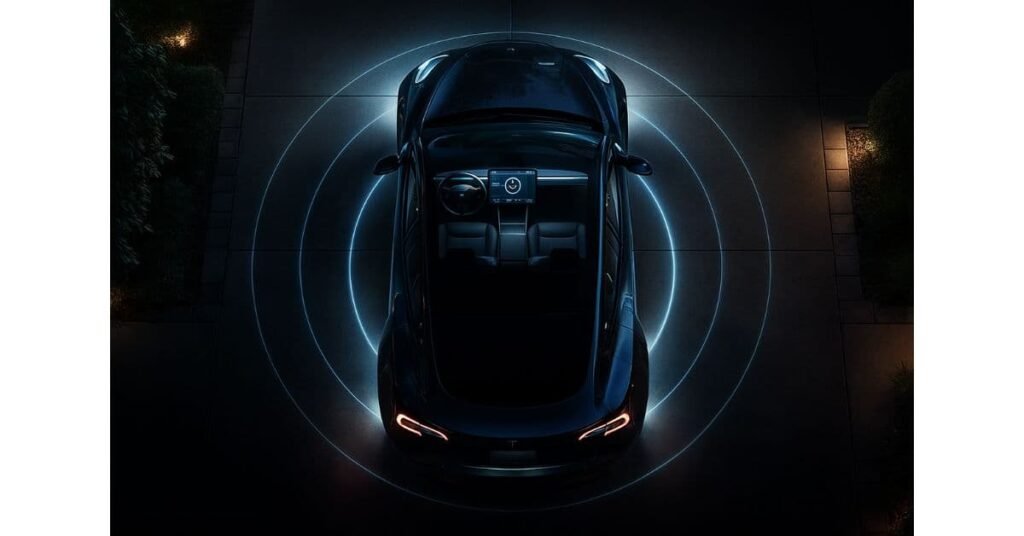
You park at 80% charge and wake up to find 74%. Your Tesla is losing 3 to 6% of battery every night without being driven. This is called phantom drain, and it is one of the most common frustrations Tesla owners report.
What Causes It
Tesla vehicles do not fully shut down when parked. Several background systems continue running and consume battery power. Sentry Mode is by far the biggest culprit — it keeps the cameras recording and the computer active, drawing significant power continuously. Cabin Overheat Protection runs the cooling system in hot weather. Frequent app checks wake up the car’s computers each time. Third-party apps connected to your Tesla account can also keep the car in an active state.
How to Fix It
Work through these settings in order of impact. First, turn off Sentry Mode when parked at home — go to Controls, Safety, and disable it for your home location. This alone resolves most phantom drain complaints. Second, set Cabin Overheat Protection to No A/C or turn it off entirely if the car is parked indoors. Third, enable Energy Saving under Controls and Display — this puts the car into a low-power state faster when parked. Fourth, avoid opening the Tesla app repeatedly to check on the car, and disconnect any third-party apps that ping the car regularly.
The most reliable fix of all is to keep the car plugged in when parked at home. When connected, all background systems run from wall power rather than the battery, so the charge level does not drop overnight.
Track drain and cell balance with the right tools: Best Apps to Monitor Your Tesla Battery Health
Problem 3: The Car Will Not Start Despite a Full Battery
Your Tesla’s main battery shows 80% charge but the car will not unlock, the screen stays dark, or the car refuses to power on. This is a 12V battery failure, and it catches many owners completely off guard because the large high-voltage pack is fine.
What Causes It
Every Tesla has a small 12-volt battery that powers low-voltage systems — door locks, windows, the main computer that wakes the car, and the contactors that connect the high-voltage pack to the drivetrain. Without the 12V battery, the car cannot start at all, even with a full high-voltage pack. In older Model S and X vehicles, this was a lead-acid battery with a lifespan of 3 to 4 years. Newer Teslas use a lithium-ion 12V battery which lasts longer, but still fails eventually. The car’s system is supposed to warn you, but the warning sometimes arrives very close to failure.
How to Fix It
If your screen shows a message reading “Replace 12V Battery Soon,” schedule Tesla Service immediately — do not delay. If the car has already failed to start, contact Tesla Roadside Assistance. Do not attempt to jump-start a Tesla the same way you would a conventional car — the procedure is different and model-specific. For older Model S and X owners, plan a proactive 12V battery replacement every 3 to 4 years rather than waiting for a failure.
Understand what a full pack replacement involves: Tesla Battery Replacement Costs Explained
Problem 4: Slow Charging Speed or Charging Error
Your Tesla is charging much slower than the rated speed at a Supercharger, or you are getting a fault or error message when trying to charge at home or at a public station.
What Causes It
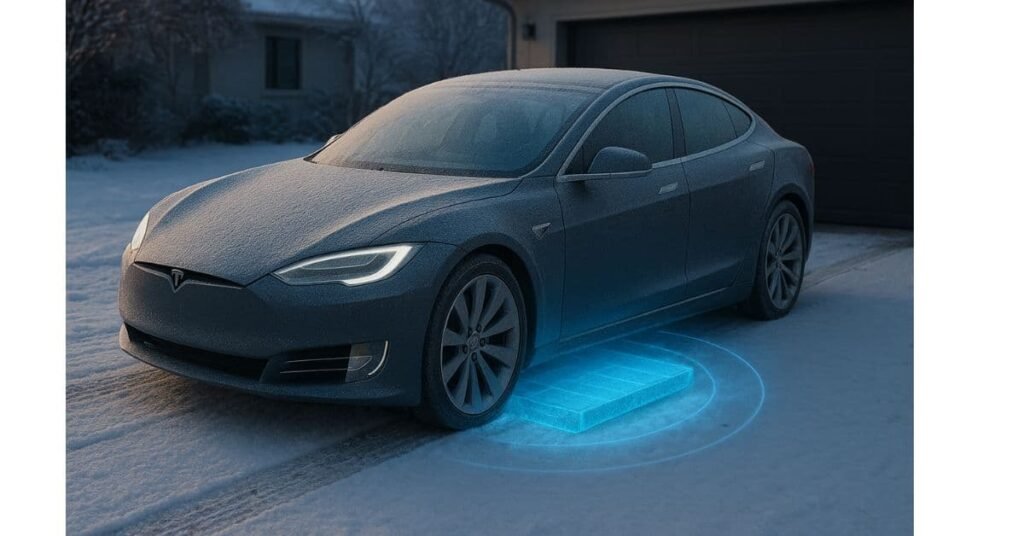
Slow Supercharging is most often caused by a cold battery. When the battery is below its optimal operating temperature, the BMS throttles charging speed to prevent lithium plating and cell damage. This is the car protecting itself, not a fault. Charging also tapers naturally above 80% — this is by design and not a problem. Other causes include a software glitch in the charging system, a faulty Supercharger stall, or a weak home circuit.
How to Fix It
Charging Problem | Fix |
|---|---|
Slow Supercharging | Use Tesla navigation to route to the Supercharger so the battery preheats before arrival for maximum speed. |
Charging error at home | Reboot the car by holding both scroll wheels until the screen restarts. If the problem continues, check the wall connector for fault indicator lights. |
Inaccurate range after charging | Perform a BMS recalibration: drive below 10% then charge to 100% in one session. Do this rarely, not as a routine habit. |
Problem 5: Reduced Performance or Range in Extreme Temperatures
Your Tesla feels sluggish, limits regenerative braking, or shows significantly reduced range in very cold or very hot weather. The car may display a message about limited battery power or reduced charging speed.
What Causes It
This is the car’s thermal management system protecting the battery. In extreme cold, the battery chemistry becomes less efficient at delivering current, and lithium ions move more slowly through the electrolyte. The BMS limits acceleration and regenerative braking to protect the cells until they warm up. In extreme heat, the cooling system runs continuously to prevent overheating, and the BMS may limit charging speed and power output to prevent thermal damage.
How to Fix It
Use the Tesla app to schedule preconditioning 15 to 20 minutes before you plan to drive or charge. This brings the battery to its optimal operating temperature while the car is still plugged in, using wall power rather than battery power. In cold weather, this step recovers most of the range and performance loss and prevents the BMS from limiting power output. In hot weather, enabling Cabin Overheat Protection and parking in shade or a garage reduces the cooling workload on the thermal system and preserves more battery charge.
Keep the car plugged in whenever possible in extreme temperatures. When connected, the thermal management system uses wall power to maintain the battery within its ideal temperature range, so you start every drive at full performance without having spent battery charge on temperature maintenance.
Conclusion
Most Tesla battery problems have straightforward solutions once you understand the cause. Phantom drain is almost always solved by disabling Sentry Mode at home and keeping the car plugged in. Slow Supercharging is usually a cold battery that needs preconditioning. Sudden range loss is often a BMS calibration issue that a single recalibration cycle can correct. The 12V battery is the one component that genuinely needs proactive replacement on a schedule.
Act on the car’s alerts early, use the built-in preconditioning features, and keep the car plugged in when parked. These three habits resolve the majority of the problems in this guide before they become serious.
Want to prevent these problems from happening in the first place? See: Tesla Battery Degradation: Causes and How to Prevent It
