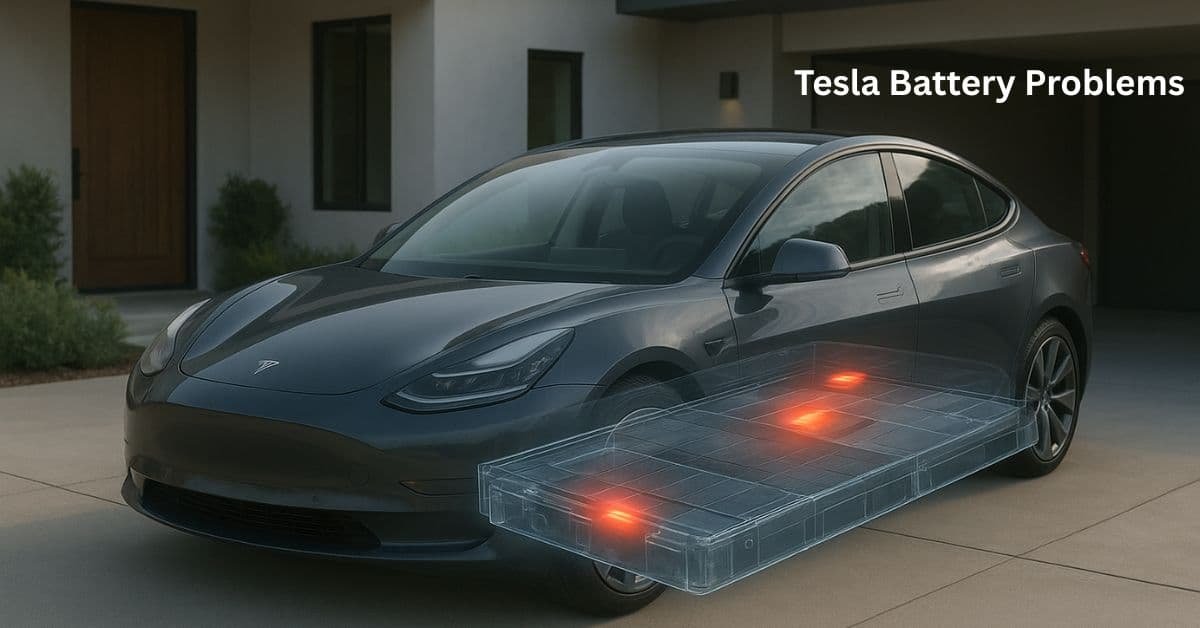
Top 5 Tesla Battery Problems that owners talk about most. More importantly, we will give you simple, actionable solutions for each one. By knowing what to look for and how to fix it, you can keep your Tesla running its best for many years.
Tesla Battery Problems and How to Fix
Tesla batteries are very good and last a long time, but they are not perfect. Batteries are complex components that can malfunction. The most common problems are not sudden, complete failures. Instead, batteries can lose a small amount of driving distance over time. The car can also use up power when it is just parked.
1. Battery Degradation
Battery degradation is the most common problem for people who own electric cars, not just Tesla owners. It means your battery can store less power over time than it did when it was new. If your car could drive 300 miles when you bought it, after a few years, it might only drive 280 miles. This is a regular part of the battery’s life.
Cause: Chemistry and Cycles
The main cause is the natural aging of the battery’s chemicals. Each time you charge and use the battery, the materials inside change a little. People call this process cycling. Other things make the process faster:
- High State of Charge: Keeping the battery full at 100% for a long time.
- Extreme Temperatures: Very hot or very cold weather.
- Fast Charging: Using Superchargers too much can generate more heat and cause stress.
Solution: Simple Charging Habits
The good news is that the loss of driving distance gets much slower after the first year. You can also slow the loss even further with simple habits.
| Actionable Solution | Why It Works |
|---|---|
| Set a Daily Charge Limit to 80% | Keeping the battery between 20%–80% reduces cell stress and slows degradation. |
| Only Charge to 100% for Long Trips | Charging to 100% right before departure avoids the battery sitting at full charge for long periods. |
| Use Scheduled Charging | Ensures the battery finishes charging just before you drive, minimizing high-charge stress time. |
| Pre-Condition the Battery | Heating the battery before driving or Supercharging improves efficiency and protects the cells. |
2. Phantom Drain
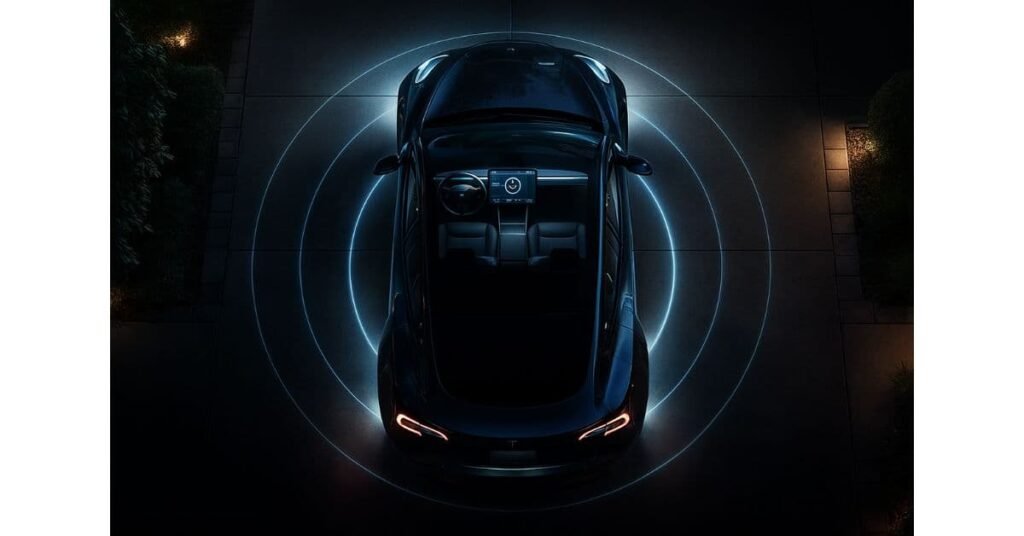
Phantom drain occurs when your Tesla loses a noticeable amount of charge while parked and turned off. Owners often wake up to find their car has lost 3% to 5% of its battery overnight. This can be frustrating, especially if you do not drive every day.
Cause: Background Systems
The car does not truly turn off when it is parked. Several systems still run quietly. These running systems drain the battery.
- Sentry Mode: Security cameras use this feature. Sentry Mode is a big reason for the drain.
- Cabin Overheat Protection: The car uses battery power to keep the inside cool during hot weather.
- Mobile App Access: If you check the car on your phone too often, it wakes up the car’s computers.
- Third-Party Apps: Any app connected to your Tesla can keep the car awake.
Solution
You can significantly reduce phantom drain by managing the features that use power when the car is parked.
- Turn Off Sentry Mode at Home: If your car is in a safe garage, turn it off in the security settings.
- Limit Cabin Overheat Protection: Set the protection to “No A/C” or turn it off entirely if you do not need it.
- Avoid Constant App Checking: Try not to open the Tesla app just to check the charge level.
Use “Energy Saving” Mode. In the Display settings, make sure “Energy Saving” is turned on.
Read more about simple Tesla health checks to track drain and cell balance.
3. 12V Battery Failure
A big surprise for new electric car owners is that their large, high-voltage battery is fully charged, yet the car still won’t turn on. All Teslas have a small 12-volt battery. The small battery powers low-voltage parts, such as the door locks, windows, and the main computer that wakes the car. If the small battery breaks, the car stops working completely.
Cause: Wear and Tear
The 12V battery is a wear-and-tear item, like a gas car’s, but it is often forgotten. In older Teslas, it was a lead-acid battery that lasted about 3 to 4 years. Newer Teslas use a lithium-ion 12V battery, which is expected to last longer, but it can still fail. The car’s computer is supposed to warn you when it needs to be replaced, but sometimes the warning comes too late.
Solution
The best solution is to be proactive and pay attention to the car’s messages.
- See the Warning: If your screen shows a message that says “Replace 12V Battery Soon,” you should not delay. Schedule service right away.
- Know Your Car: If you own an older Model S or X, you should plan to replace the 12V battery every 3 to 4 years to prevent failure.
- Go to Service: Replacing the 12V battery is an easy job that Tesla can do quickly at the service center.
Learn the details of Tesla pack replacement costs before failures occur.
4. Charging Problems: Slow Speeds and Errors
Sometimes, owners find that their car charges much more slowly than the advertised rate, especially at a Supercharger. Other times, they might get an error message when trying to charge at home or at a public station.
Cause: Temperature and Software
The most common causes for slow charging are:
- Battery temperature: If the battery is too cold or too hot, the car slows down the charging speed. The car slows charging to protect the cells. The car’s Battery Management System (BMS) protects the cells.
- High State of Charge: The charging speed naturally slows down a lot after the battery reaches 80%.Software Glitches: Sometimes, a simple software error can cause a charging problem.
- External Factors: A bad Supercharger station or a weak home circuit can also be the problem.
Check out how fast Teslas charge at home and highway fast-charge stops.
Solution
You can fix most charging issues with a few simple steps.
| Charging Problem | Simple Solution |
|---|---|
| Slow Supercharging | Use Tesla navigation to route to the Supercharger so the battery can pre-condition for faster charging. |
| Charging Error at Home | Reboot the car (hold both scroll wheels). If the problem remains, check the wall connector for fault lights. |
| Inaccurate Range | Perform a BMS recalibration: drive below 10% and charge to 100% in one continuous session (do this rarely). |
5. Thermal Management Issues: Overheating and Cold
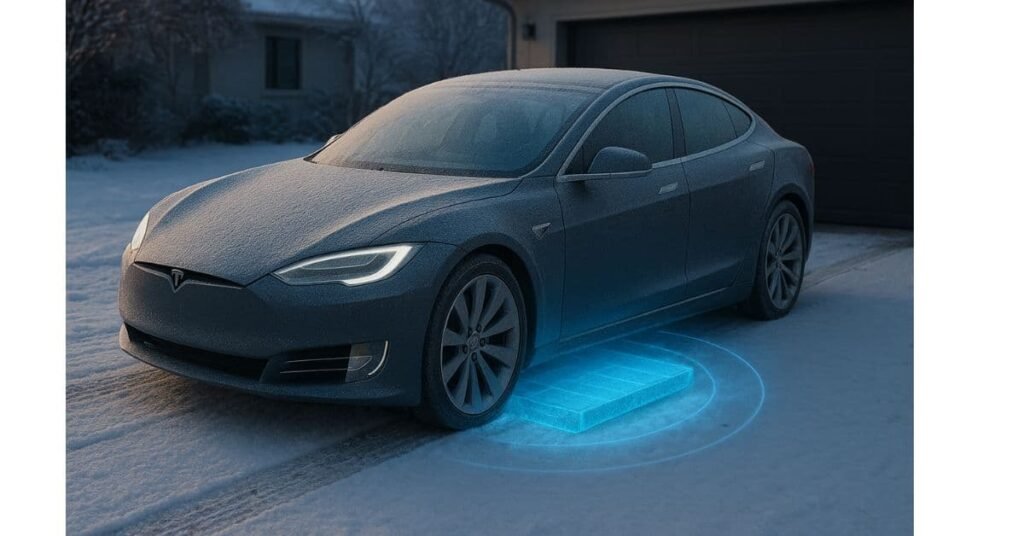
Tesla batteries are designed to work best in a specific temperature range. When the weather is extremely hot or extremely cold, the car has to use a lot of energy to heat or cool the battery, which can lead to two issues:
- Reduced Performance: The car might limit acceleration or regenerative braking.
- Increased Energy Use: The car consumes more energy to run the thermal system, reducing your driving range.
Cause: Protecting the Cells
The car’s computer constantly works to protect the battery.
In the Heat: The car’s cooling system runs. This prevents the battery from overheating, which could permanently damage it.
In the Cold: The car heats the battery. This lets the battery charge safely. It also ensures the battery can deliver its full power.
Solution
The best way to fight thermal issues is to use the car’s built-in features to manage the temperature before you drive or charge.
Use the App to Pre-Condition: About 15 to 20 minutes before you plan to leave, use the Tesla app to turn on the climate control. This warms or cools the battery to the perfect temperature.
Keep the Car Plugged In: When the car is plugged in, it uses power from the wall to run the thermal system, saving your battery’s energy for driving.
Use Garage Parking: Parking in a garage helps keep the car at a more stable temperature, reducing the work the thermal system has to do.
Conclusion
Tesla batteries are some of the best and most trustworthy in the world. They can still have problems, like losing power over time, losing power when parked, or the small 12V battery failing sometimes. Most problems are small and easy for the owner to fix.
If you know how your battery works and follow the simple advice in the guide, you can make your car go farther, work better, and last longer. The main thing is to act early: manage how you charge the car, use the heating/cooling features before you drive, and listen to the car’s alerts.
Is it bad to supercharge my Tesla often?
No, using a Supercharger is not bad, but you should only use it for long trips. For daily driving, charging at home with a Level 2 charger is better for the battery’s long-term health. Home charging makes less heat and puts less stress on the battery. Tesla made the car system to handle Supercharging, but less heat always helps the battery last longer.
How much battery degradation is normal after 5 years?
Most studies show that a Tesla battery will lose about 10% to 15% of its capacity after five years or 100,000 miles. The power loss is fastest in the first year. After that, the power loss slows down much more. People think battery performance like that is very good for an electric car battery.
What is a “BMS Recalibration,” and should I do it?
A BMS recalibration makes the car’s computer take a new, correct reading of the battery’s power. You drive the car until the charge is very low (less than 10%). Then, you charge the car to 100% all at once. You should only do the recalibration if you see a sudden, big drop in your estimated distance. Please do not do it often, as fully draining and charging the battery puts a small amount of stress on it.
Does the Tesla battery warranty cover degradation?
Yes, the Tesla battery warranty protects the battery pack if it breaks. It also ensures the battery maintains a certain level of power. For most models, the warranty lasts for 8 years or for 100,000 to 120,000 miles. During that time, the battery will keep at least 70% of its original power.