
How to Check Your EV Battery Health (SOH): Complete Guide

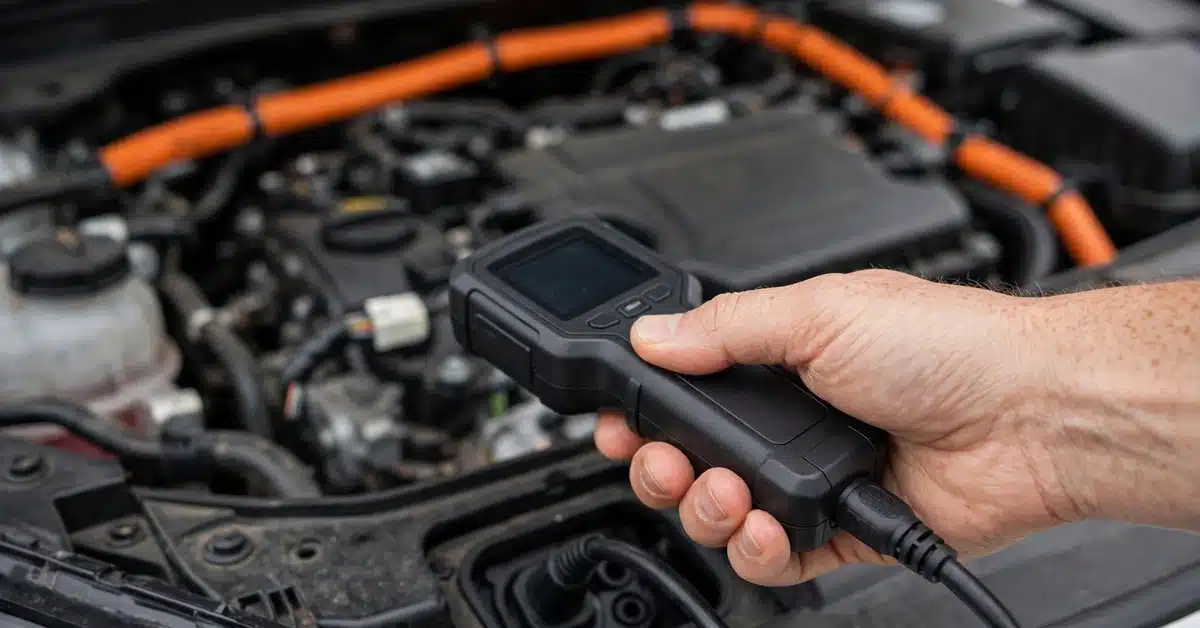
State of Health (SOH) is the single number that tells you how much of an EV battery’s original capacity remains — a new battery reads 100%, and a battery that has lost 15% of its capacity to degradation reads 85%. Checking it is straightforward once you know where to look, but the number isn’t always as precise as it appears. This guide covers what SOH means, how to check it yourself, and how to know when to trust — or question — the reading.
What Is a Good State of Health for a Used EV?
SOH benchmarks depend heavily on the vehicle’s age and mileage, but general guidelines based on fleet data are:
| Vehicle Age / Mileage | Good SOH | Concerning SOH |
|---|---|---|
| 0–3 years / under 40,000 miles | 93% or higher | Below 88% |
| 4–6 years / 40,000–100,000 miles | 85% or higher | Below 78% |
| 7–10 years / 100,000+ miles | 78% or higher | Below 70% |
A SOH significantly below these ranges for the vehicle’s age doesn’t necessarily mean the battery is unusable — most manufacturers only trigger warranty replacement at 70% — but it’s a signal to investigate charging history and climate exposure before buying or continuing to rely on the vehicle.
How to Check Your EV Battery Health Yourself
1. The Built-In Dashboard Method
Charge the battery to 100% and compare the estimated range shown to the vehicle’s original EPA-rated range when new. Divide the current 100% estimate by the original EPA figure to get a rough capacity percentage. This method is imprecise — it’s affected by driving efficiency history, not just raw capacity — but it costs nothing and takes five minutes.
2. Third-Party Apps
Dedicated apps pull data directly from the car’s onboard computer for a more accurate SOH reading than the dashboard estimate alone:
- Recurrent Auto: Aggregates real-world fleet data by make/model/year to benchmark your car against similar vehicles; widely used for used-EV purchase decisions
- Tessie / TeslaFi (Tesla only): Pulls live pack data via the Tesla API, tracking degradation trends over time
- Torque Pro + OBD2 adapter (non-Tesla): Reads raw BMS data on many non-Tesla EVs when paired with the right PID list for that model
- LeafSpy (Nissan Leaf specific): The most detailed and trusted tool for Leaf owners, showing SOH, hex codes, and individual cell voltages
3. What Is OBD2 Diagnostic for EV Battery Health?
OBD2 is the standard diagnostic port found in nearly every modern vehicle, including EVs. A Bluetooth or USB OBD2 adapter paired with an app like Torque Pro or LeafSpy can read live data streams from the Battery Management System — including SOH, individual cell voltages, and pack temperature — that aren’t shown on the dashboard. Not every EV exposes full BMS data over OBD2 by default; some manufacturers restrict deeper diagnostics to dealer-only tools, which is why third-party support varies significantly by brand and model.
4. How Dealers Test Battery Health
Dealers and certified technicians use manufacturer-specific diagnostic equipment that queries the BMS directly for a precise capacity reading, rather than estimating from range display. This is the most accurate method available and is typically what’s referenced on an official EV battery health report provided during a used-EV inspection or pre-purchase certification. Expect to pay a diagnostic fee if requesting this outside of a purchase transaction — costs vary by dealer and brand, generally in the $100–$200 range.
How to Read EV Battery Degradation Data
When reviewing a battery health report or app output, focus on three numbers:
- SOH percentage: The headline capacity retention number — compare against the benchmarks above for the vehicle’s age
- Cell voltage spread: A large gap between the highest and lowest individual cell voltage (shown in detailed tools like LeafSpy) suggests uneven wear or a developing fault, even if overall SOH looks acceptable
- Charge cycle count: Cross-reference against typical cycle life for the chemistry — see how many charge cycles an EV battery has for expected ranges by chemistry
Can You Trust the EV Battery Health Percentage?
Mostly, but with caveats. Dashboard-estimated range is influenced by recent driving efficiency, not purely by capacity — an aggressive week of driving can temporarily lower the estimate independent of actual degradation. App-based readings that pull directly from the BMS are more reliable, but even these can vary between tools reading the same car, since manufacturers don’t standardize how SOH is calculated internally. For a purchase decision, the most trustworthy approach is a dealer or certified technician’s direct BMS readout, cross-checked against a third-party report like Recurrent’s if available.
Conclusion
Checking EV battery health doesn’t require special equipment for a rough estimate — the dashboard’s 100% range display gets you most of the way there. For a precise, purchase-decision-grade number, a third-party app pulling live BMS data, or a dealer diagnostic readout, gives the most trustworthy result. Whatever method you use, judge the number against age- and mileage-adjusted benchmarks rather than a flat percentage, since a 3-year-old EV and a 9-year-old EV have very different “normal” SOH ranges.
